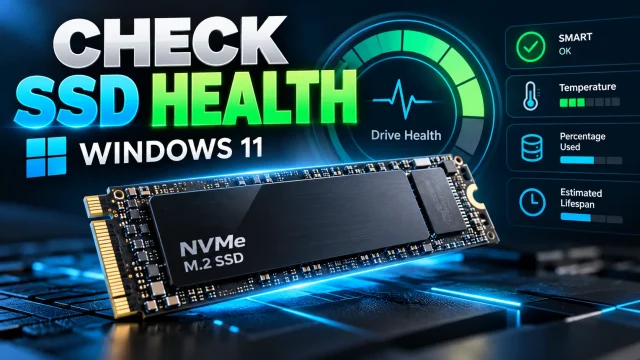
How to Check SSD Health in Windows 11 Using PowerShell and CrystalDiskInfo
Learn how to check Windows 11 SSD health using Settings, PowerShell and CrystalDiskInfo. Understand SMART warnings, SSD wear, temperature and backup precautions.
Practical Windows 11 tutorials covering settings, troubleshooting, security, networking, updates, and everyday productivity.
Learn how to check Windows 11 SSD health using Settings, PowerShell and CrystalDiskInfo. Understand SMART warnings, SSD wear, temperature and backup precautions.
Windows 11 Update stuck downloading at 0% or installing at 99% or 100%? Try 10 practical fixes, including the troubleshooter, DISM, SFC and safe update-cache repair.
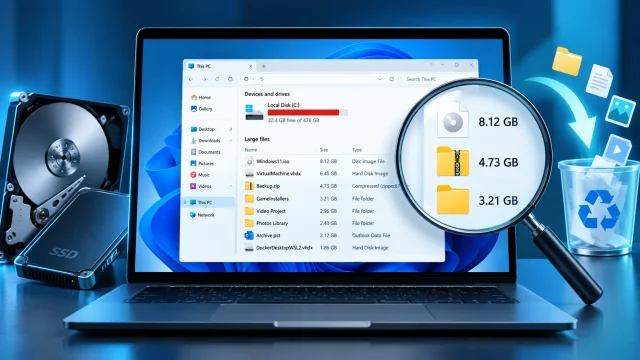
Find what is filling your Windows 11 drive with Storage, Cleanup recommendations, safe PowerShell commands and Storage Sense. Illustrated, step-by-step.

Speed up your Windows 11 sign-in by reviewing optional startup apps in Settings and Task Manager. Learn safe steps, startup impact, Startup folders, and how to undo changes.
Learn how to clear the DNS cache in Windows 11 using ipconfig and PowerShell, check DNS resolution, and troubleshoot persistent website errors safely.
Learn to check listening TCP and UDP ports in Windows 11, find the process using a port, test remote connectivity and troubleshoot firewall issues with PowerShell.
Protect Windows 11 from ransomware with a practical checklist covering Microsoft Defender, controlled folder access, offline backups, phishing, updates and response steps.
Fix Windows 11 Wi-Fi connected but no internet with step-by-step checks for router, DHCP, DNS, Wi-Fi profiles, VPN, adapter drivers and network reset.
If your Windows 10/11 laptop struggles to retain its charge, it could signal the need for a battery replacement. Batteries lifespan is finite. […]
Introduction: In Windows 11, the default behavior is to hide certain files and folders as a precautionary measure to prevent users from unintentionally […]
Are you still adhering to conventional password methods for gaining entry to your Windows 11 computer? Are you intrigued by the prospect of […]
Windows 11 features a revamped Taskbar, showcasing a centralized alignment for the Start menu and app buttons, a fresh notification area, as well […]
System Restore is a feature in Microsoft Windows that allows users to revert their computer’s state to a previous point in time. This […]
Released on October 5, 2021, Windows 11 represents the most recent significant update to Microsoft’s Windows NT operating system. Following Windows 10 (2015), […]
Encountering a Windows.old folder in File Explorer can be perplexing for some users, sparking questions about its significance and whether it’s safe to […]
Securing your Wi-Fi connection with a password is crucial for maintaining privacy and preventing unauthorized access to your network. However, this precautionary measure […]
What does End Task mean? It Enables you to close unresponsive or frozen programs on your computer. This action can release system resources, enhancing […]
In the realm of Windows 11 (and 10), the versatile capability to convert a document into a PDF is present in most applications. […]
With the introduction of version 11.2306.30.0, the Paint app in Windows 11 has undergone a significant enhancement. A new feature now allows users […]
To centrally manage your Windows 11 devices, implementing security policies and group settings, it’s crucial to integrate them into an Active Directory domain. […]
When using Windows 11 you probably have noticed the widget or weather icon on the taskbar. in the lower left corner. The widget […]
In Windows 11, the default Taskbar alignment has been updated to center its elements on the screen, providing a modern and streamlined appearance. […]
This guide will demonstrate how to customize the default response when you close your laptop lid on Windows 11. The lid switch close […]
Connecting to wireless networks is a routine task for laptop or tablet users, and Windows 11 users are no exception. While many are […]
This guide demonstrates the process of enabling or disabling the automatic saving of screenshots in the Snipping Tool application for your Windows 11 […]
Telnet is still a part of Windows 11 and not completely obsolete. It is still necessary in certain situations, such as testing remote […]
Hyper-V is a virtualization technology that allows you to create and manage virtual machines on a physical host. It is a powerful tool […]
Windows 11 defaults to center alignment for icons on the taskbar, as opposed to the previous Windows version which aligned them to the […]
This guide will show you how to create a bootable USB drive for Windows 11 that can be used for a clean install, […]
Windows 11 comes with a number of changes to the desktop operating system, one such change is the new simplified context menu when […]
Introduction This tutorial provides instructions on how to bypass the TPM 2.0 and CPU system requirements in order to upgrade to Windows 11 […]
Introduction This tutorial will explain how to set up password expiration for a user’s account in Windows 11. When password expiration is enabled, […]
Introduction This tutorial will provide instructions on how to enable or disable OneDrive in Windows 11. OneDrive is a file storage and synchronization […]
Introduction When you’re comparing files in two folders or managing multiple projects, you may prefer to launch a folder in a separate window […]
Introduction This tutorial will show you how to change the size of desktop icons for your account in Windows 11. I will show […]
Introduction The Windows 11 generic keys are technically default keys that allows you to install the OS without activation. They don’t provide you […]
Introduction Windows 11 doesn’t come with hibernate mode enabled by default. Hibernate mode in Windows allows you to shut down your computer completely […]
Introduction The taskbar on your desktop is located on the bottom of the screen by default in Windows 11. This tutorial will show […]
Introduction A Windows product key is a 25-character code that you can use to activate your copy of Windows. Since Windows 11 uses […]
Introduction Want to change the default computer name? If you have bought a new computer and want to change its name, or for […]
Introduction This tutorial will show you how to manually synchronize the clock time with an Internet time server for all users in Windows […]
Looking to download the Windows 11 ISO file for a fresh OS installation but unsure of the process? You’ve landed in the right […]