How To Fix The Microsoft Print To PDF Feature Not Working In Windows 10
Introduction: Printing content to a PDF file using the “Microsoft Print to PDF” feature is a convenient and useful function in Windows 10. […]
Windows 10 guides for troubleshooting common problems, managing settings, improving security, and maintaining existing PCs.
Introduction: Printing content to a PDF file using the “Microsoft Print to PDF” feature is a convenient and useful function in Windows 10. […]
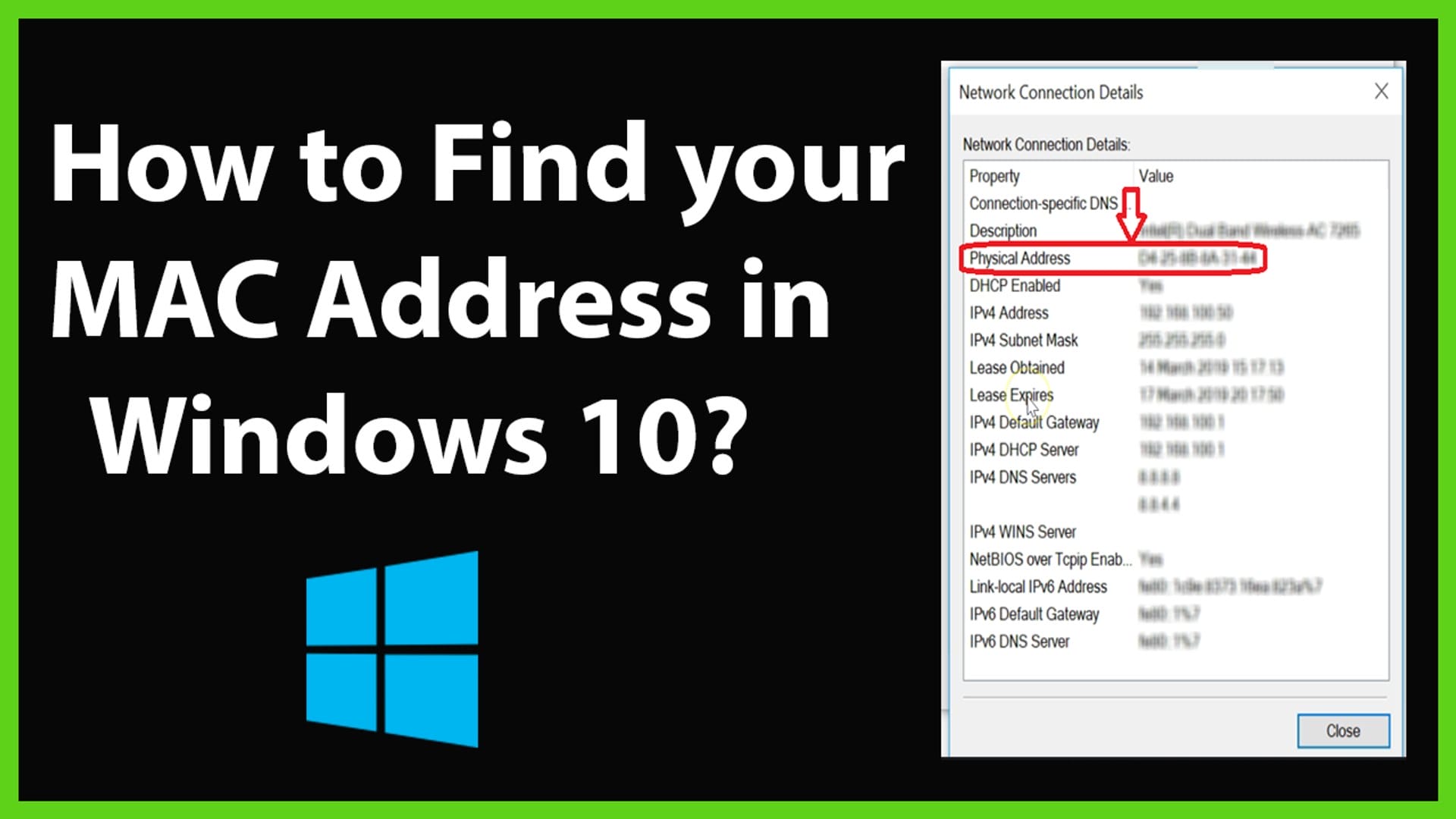
The MAC (Media Access Control) address serves as a distinctive hardware identifier present on each network adapter. In this guide, I will delineate […]
Ransomware, a persistent threat causing file access restrictions until a ransom is paid, has been a longstanding issue for computer users and businesses. […]

Introduction In this tutorial, we will delve into the crucial process of creating a bootable Windows 10 USB drive using Microsoft’s Media Creation […]
Introduction: In the fast-paced world of technology, efficiency is key. One way to enhance your productivity is by configuring your computer to automatically […]
Windows Update serves as a crucial mechanism for downloading and installing feature and quality updates on Windows 10. While it generally operates smoothly, […]
XPS, which stands for XML Paper Specification, is a file format developed by Microsoft as a competitor to Adobe’s PDF (Portable Document Format). […]
If you’re using Microsoft Edge for the internet, it’s good to know that you can easily make it go back to its default […]
A 25-character alphanumeric code known as a product key is employed to activate and license a Windows 10 installation. An illustrative example of […]
In Windows 10, a new functionality called Quick Access has been introduced in File Explorer. This feature showcases folders you frequently use and […]
In the golden era of Windows 7, users were treated to an array of delightful card and board games that added a touch […]
If you’re curious about the automatic resizing of application windows in Windows 10/11, it’s due to a feature known as Snap. Enabled by […]
Windows 10 boasts a revamped sign-in screen, designed with modern aesthetics and touch-friendly functionality. By default, users are required to dismiss the lock […]
Windows 10 allows the storage of files in various formats, including the option to hide files and folders. To view hidden files, understanding […]
The Windows 10 Product Key consists of a 25-digit code, organized into five sets of five digits, enabling the activation of your Windows […]
In this article I will be showing you how to efficiently delete a user profile in Windows 10 without removing the entire account. […]
Windows 10 Dark Mode is a visual interface option that changes the color scheme of the operating system from the traditional light theme […]
On Windows 10, adjusting transparency effects is a straightforward process, and this guide will walk you through it using both the Settings app […]
When interacting with your computer, you likely encounter files in .zip or .rar formats—referred to as compressed or packed files. Their purpose is […]
If you want to run virtual machines (VM) on Windows 10, you’ll need to install Hyper-V. Hyper-V is a hardware-based hypervisor that lets […]
Introduction Tired of seeing your current Windows 10 profile picture? Time to change it to something else. Your account picture is what you […]
Introduction Windows 10 will automatically download and install important and critical updates. Although the automatic approach ensures that every device receives security updates […]
Introduction Feature update to Windows 10 version 2004 aka Windows 10 May 2020 update is the newest feature update to Windows 10, which […]
Introduction While installing new updates via Windows Update or the Microsoft Store, we often experienced slow internet speed. Its because Windows 10 consume […]
Introduction A Domain-based network provides centralized administration of an entire network from a single computer called a server. Domains provide single user log […]
Introduction Does Windows ask you for a password when your computer starts? It should. If a password isn’t required to access your account, […]
Introduction Want to use the Telnet application included with Microsoft Windows 10? You first need to enable the program. Here’s how it’s done. […]
Introduction Icons like This PC, Network, Recycle Bin, and your User folder are all considered “desktop icons,” even though modern versions of Windows […]
Throughout Windows history, build numbers served as markers for significant updates. Users commonly referenced Windows versions by major names like Vista, 7, or […]
Introduction Whether you’ve just built a new computer or are re-activating a computer that previously had Windows 10 activated using a product key, […]
Introduction If your Windows 10 PC is running slow or acting abnormally, one of the most surefire ways of fixing the issue is […]
Introduction In this article, I will be showing you how to rename a Windows 10 computer name. Windows 10 has made it much […]
Introduction Windows 10 is Microsoft’s newest client operating system. In this article I will show you how to make a clean Windows 10 […]
Introduction In this article, I will be showing you multiple ways that you can use to open control panel. Windows 10, you have […]
Introduction The hibernation mode in Windows is very useful and time-saving as you don’t have to close your open documents and apps […]