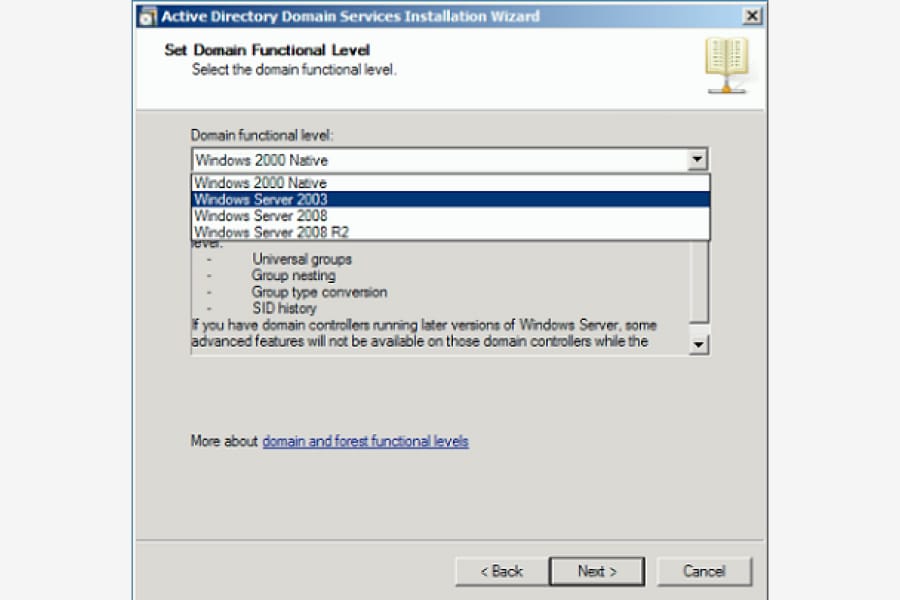
How to Raise the Forest and Domain Functional Levels in Windows Server 2008/R2
Introduction Functional levels determine the features of Active Directory Domain Services (AD DS) that are enabled in a domain or forest. They also […]
Legacy Windows Server 2008 guides for Active Directory, server administration, configuration, and troubleshooting.
Introduction Functional levels determine the features of Active Directory Domain Services (AD DS) that are enabled in a domain or forest. They also […]
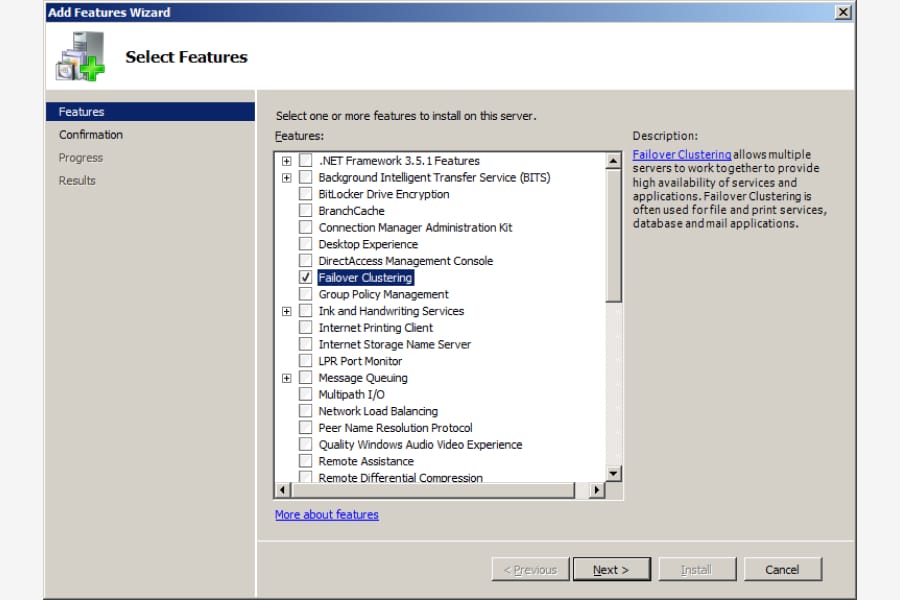
Introduction Creating a Cluster with Windows Server 2003 was a little bit confusing for administrators. Now with Windows Server 2008, its much easier. […]
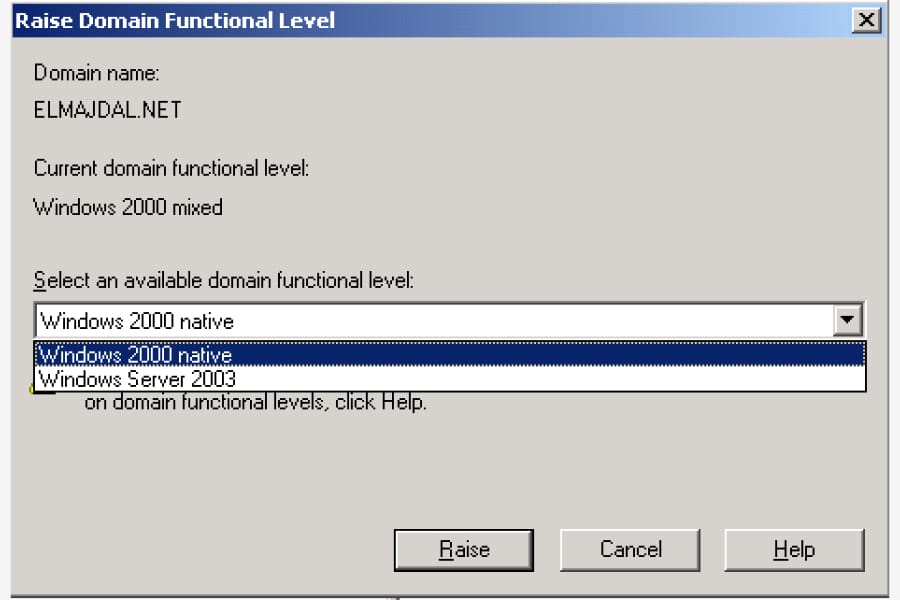
Introduction Most people are running their Active Directory Domains now on Windows Server 2003 or Windows Server 2003 R2, and want to upgrade […]

Introduction This is a must to read article for any system administrator who administers Microsoft Windows Servers. One of any system administrator duties, […]
Introduction Every forest requires at least one Global Catalog server, that’s why by default When you create a Windows Server Active Directory Forest, […]
Introduction Once you install Windows Server 2008, you have a grace period of 60 days to activate it. In this article, I will […]
Update: If you are using Windows Server 2012/2016/2019/2022, please refer to the updated article on enabling wireless network for a Hyper-V virtual […]
Introduction The stand-alone version of Hyper-V is now available and is called Microsoft Hyper-V Server 2008. So now if you want to work […]
Introduction In part 1 of this article, I installed Microsoft Hyper-V Server 2008. Today I’m going to configure Hyper-V Server 2008 by using […]
Introduction You have created your virtual machines previously with Microsoft Virtual PC or MS Virtual Server 2005, and now you want to start […]
If you’re in search of information regarding Windows Server 2016-2022 and how to enable wireless Wi-Fi, refer to the following article: How To […]
Introduction Server Core is a whole new version of Windows. It is a Windows operating system without Windows. What do I mean ? […]
Update: If you are using Windows Server 2016/2019/2022, please refer to the updated article on identifying and upgrading Hyper-V virtual machine configuration versions […]
Introduction In part I of this article, I pointed to you the prerequisites to install Hyper-V, the differences between Hyper-V and Virtual Server […]
Introduction Hyper-V is the next level of virtualization, with Windows Server 2008 you no longer need to deploy an application such as Virtual […]
Introduction When you install Windows Server 2008, as we all got used to, you will notice that the only icon on the desktop […]
Introduction Many administrators used Windows Server 2003 as their daily workstation, either on their desktops or laptops. Well this will be the same […]
Introduction Most administrators are asking about Windows Vista’s features, are they removed from Windows Server 2008 ? Where is Windows Media Player, Windows […]
Introduction Telnet is not enabled by default in Windows Server 2008. However, Telnet Client is a feature included with Microsoft Windows Server 2008 […]
Introduction You have just completed installing Windows Server 2008, and you hit the CTRL + ALT + DELETE keys and then you were […]
If you have Windows Server 2012 and above, then go to this article : How To Disable/Stop Server Manager Automatic Opening In Windows […]
Introduction In a previous article, we have set up our first Active Directory Domain Services (AD DS) using Windows Server 2008. In this […]
Introduction Unattended installation means no user interaction, and this is exactly what we are going to do in this article, we are going […]
Introduction In this article, we are going to set up our first domain controller using Windows Server 2008, that is to set up […]
Introduction After you install a clean copy of Windows Server 2008, the Initial Configurations Tasks (ICT) is the first page that you will […]
Introduction Ok, you have installed Windows Server 2008 and worked with it for a while, some people might start using it in a […]
Introduction I have been using Windows Server 2003 for years and I believe its time to shift and try using Windows Server 2008, […]