This guide will show you how to create a bootable USB drive for Windows 11 that can be used for a clean install, upgrade, reset, or repair of the operating system. Additionally, the USB drive can be used as a recovery drive to access the advanced startup options, such as the Windows Recovery Environment (WinRE).
We will use Media Creation Tool from Microsoft to create the bootable USB drive
1. Download the Media Creation Tool from Microsoft by clicking on this Link : Download Media Creation Tool
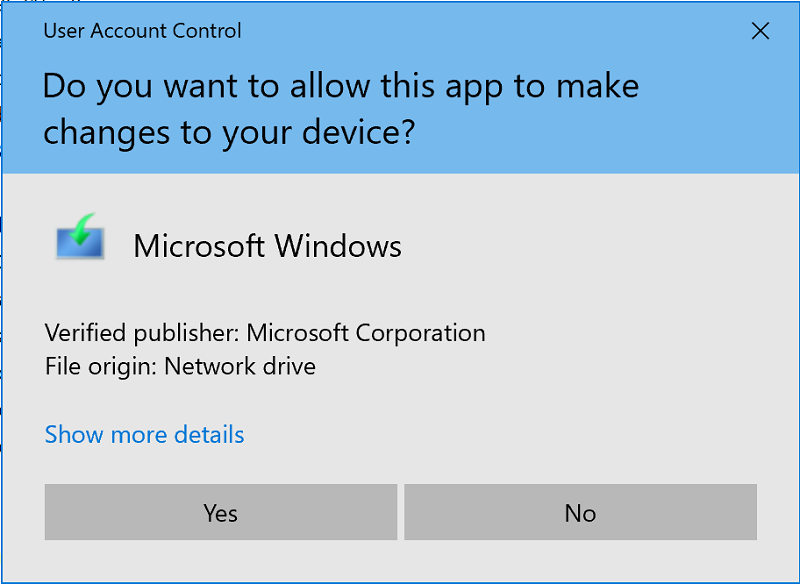
2. Run media creationtool.exe , if prompted by UAC, click on Yes.
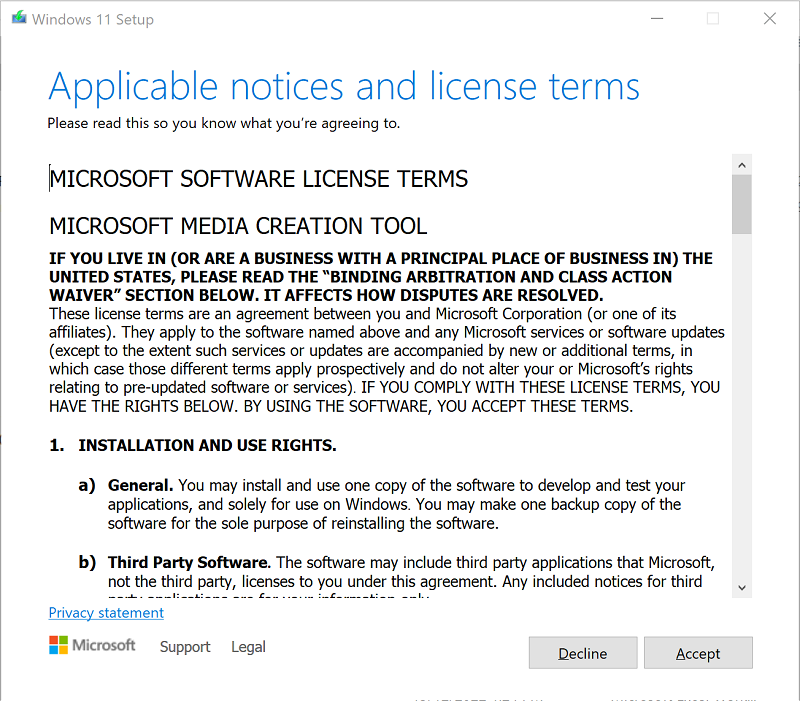
3. Accept the license terms.
4. Select your preferred language, as the Media Creation Tool will download an ISO that matches the current PC’s edition and architecture. Click Next

5. Select the option USB flash drive and click Next.
6. Connect your USB flash drive, refresh the drive list, select it, and click Next.
Downloading Windows 11 and preparing your USB will start
7. Click Finish when the USB flash drive is ready.
The USB Drive will contain the installation files of Windows 11